
Want to break into IT but not sure where to start? Your first step could be simpler than you think. Every time a computer refuses to start, a network connection drops, a system slows down, or a security alert appears, someone needs to figure out what went wrong and how to fix it. That person could be you. If you are looking to launch an IT career, switch to a more technical role, or turn your computer knowledge into job-ready skills, the CompTIA A+ certification is worth exploring. It gives you a structured path to understanding the technology businesses rely on every day, from computer hardware and networking to operating systems, cybersecurity fundamentals, and troubleshooting.
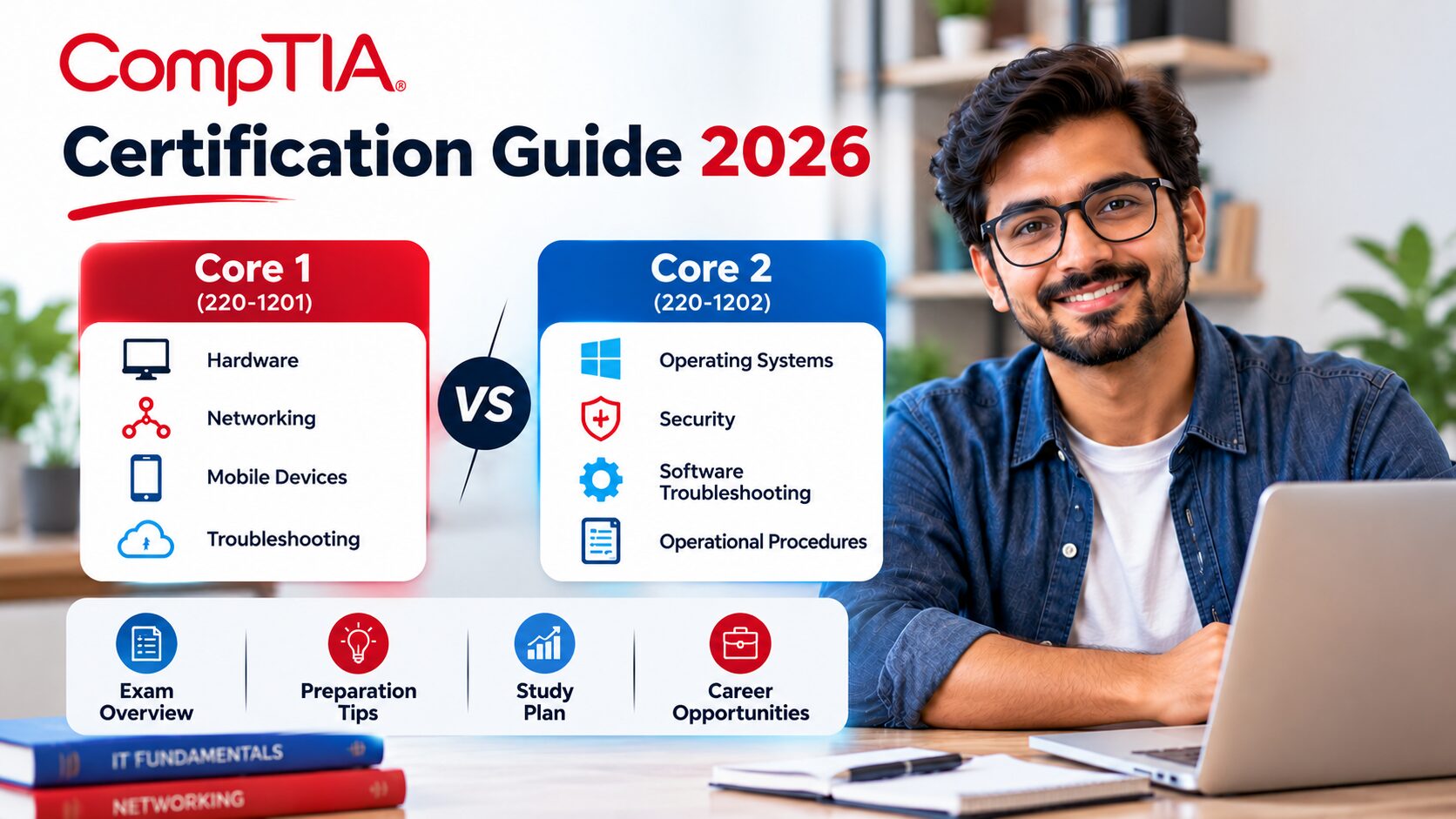
But there’s one thing that often confuses beginners: CompTIA A+ requires you to pass two separate exams. Core 1 (220-1201) focuses on areas such as hardware, networking, mobile devices, and connectivity troubleshooting. Core 2 (220-1202) covers operating systems, security, software troubleshooting, and IT operational procedures. So, which exam should you tackle first? How difficult are they? What should you study, and how can you tell whether you’re actually ready for exam day?
That’s exactly what this guide will help you figure out. We’ll break down both exams, explore their key objectives, share practical preparation strategies, highlight common mistakes to avoid, and look at the entry-level IT roles you could work toward. Your IT career doesn’t have to begin with knowing everything. It can begin with learning the right things, practising consistently, and taking the next step with confidence.
CompTIA A+ Certification Guide 2026: Core 1 vs Core 2, Exam Tips & Career Roadmap
Thinking about your first IT support role? CompTIA A+ can help you build a practical foundation in devices, networking, operating systems, security and troubleshooting. Here is how the two current exams fit together—and how to prepare without studying blindly.
What Is CompTIA A+ Certification?
CompTIA A+ is an entry-level, vendor-neutral IT certification designed to validate practical skills used in technical support and related roles. Rather than focusing on one manufacturer’s products, the exams assess a broad range of everyday IT tasks: supporting end-user devices, understanding networking, working with operating systems, applying basic security practices and troubleshooting problems methodically.
The current V15 series consists of two separate exams: Core 1 (220-1201) and Core 2 (220-1202). You need to pass both to earn the certification. Core 1 leans toward devices, hardware, networking, cloud and connectivity troubleshooting. Core 2 shifts toward operating systems, security, software troubleshooting and operational procedures.
A+ is not a substitute for hands-on experience. It is best viewed as a structured way to learn foundational concepts, demonstrate readiness for support work and give employers a clearer picture of your technical baseline.
Who Should Consider CompTIA A+?
A+ can suit people entering IT, career changers who want a structured starting point, and support professionals who want to formalize skills they have learned on the job. It may also help learners who are exploring a longer route into networking, systems administration or cybersecurity.
You do not need to know everything before starting. Basic computer familiarity helps, but the important part is being willing to learn how components work together, practise troubleshooting and explain technical steps clearly. CompTIA recommends around 12 months of hands-on experience in an IT support specialist role; this is a recommendation, not a prerequisite that automatically prevents beginners from sitting the exams.
CompTIA A+ Core 1 vs Core 2: What Is the Difference?
The exams complement each other. Core 1 asks you to understand the physical and connected technology that people use; Core 2 asks you to support the operating environments and processes that keep those systems usable and secure.
| Comparison point | Core 1 — 220-1201 | Core 2 — 220-1202 |
|---|---|---|
| Main focus | Mobile devices, networking, hardware, virtualization and cloud, hardware/network troubleshooting | Operating systems, security, software troubleshooting and operational procedures |
| Typical thinking | Identify components, connections, technologies and likely hardware or network causes | Configure systems, address security concerns, diagnose software issues and follow safe procedures |
| Passing score | 675 on a scale of 100–900 | 700 on a scale of 100–900 |
| Maximum questions | 90 | 90 |
| Time limit | 90 minutes | 90 minutes |
| Question types | Multiple-choice and performance-based | Multiple-choice and performance-based |
Neither exam is simply a memory test. You may need to interpret a scenario, choose an appropriate tool, identify the most likely cause of a problem or select the safest next action. The precise mix of question styles can vary, so prepare for both knowledge recall and practical decision-making.
What Does CompTIA A+ Core 1 (220-1201) Cover?
Core 1 concentrates on the hardware and connectivity side of IT support. The official objective domains and their published weights are useful for planning study time; they are not a guarantee of the exact number of questions on an individual test.
Mobile Devices
Learn how to support common mobile-device components, connections, accessories and synchronization needs. Think about how you would diagnose a device that cannot connect, sync or perform as expected.
Networking
Build confidence with network concepts, common ports and protocols, wireless technologies, network devices, internet connections and basic configuration. Practise matching symptoms to likely network causes.
Hardware
Understand computer components and peripherals, storage, memory, displays, printers, cables and installation considerations. Know what components do and how to recognize common failures.
Virtualization and Cloud Computing
Study core virtualization concepts, cloud models and the ways organizations use cloud services. Focus on the practical purpose of each concept rather than memorizing isolated definitions.
Hardware and Network Troubleshooting
Use symptoms and evidence to narrow down issues with devices, connectivity and hardware. This domain rewards structured reasoning: identify the problem, test likely causes, apply a solution and verify the result.
How to prepare for Core 1
Pair theory with small hands-on exercises. Identify the components inside a computer, practise explaining what each part does, review networking scenarios and learn to distinguish similar symptoms. When you miss a question, record the concept behind the mistake—not just the correct option.
What Does CompTIA A+ Core 2 (220-1202) Cover?
Core 2 moves from physical components toward the operating systems, security practices and support procedures used in daily IT work. It also expects you to think about safe, professional service delivery.
Operating Systems
Review operating-system features, installation and configuration concepts, common utilities, command-line tools and support tasks across relevant environments. Practise choosing the right tool for the job described in a scenario.
Security
Understand foundational security controls, authentication, permissions, malware awareness, device protection and safe responses to common threats. Be ready to identify a risk and choose a proportionate response.
Software Troubleshooting
Learn to diagnose operating-system and application symptoms, performance issues, connectivity-related software problems and common user complaints. Follow evidence instead of jumping to a fix.
Operational Procedures
Study documentation, change management, safety, professionalism, communication, backup awareness and standard support workflows. Technical ability matters, but so does protecting users and the organization while you work.
How to prepare for Core 2
Use a test environment or lab where possible. Practise navigating operating-system settings, interpreting system messages, using basic utilities and explaining security decisions. Also practise writing clear incident notes: what the user reported, what you checked, what changed and whether the issue was resolved.
Exam Format, Passing Scores and What to Check Before Booking
For the current V15 exams, each test allows up to 90 questions and has a 90-minute time limit. The question types include multiple-choice and performance-based items. Core 1 has a published passing score of 675, while Core 2 has a passing score of 700, each on a 100–900 scale.
| Exam detail | Core 1 | Core 2 |
|---|---|---|
| Exam code | 220-1201 | 220-1202 |
| Series | V15 | V15 |
| Time limit | 90 minutes | 90 minutes |
| Maximum questions | 90 | 90 |
| Passing score | 675 / 900 | 700 / 900 |
Exam policies, prices, delivery options and scheduling availability can change. Before paying or booking, confirm the latest details on the official CompTIA A+ certification page and download the official exam objectives for the exact code you plan to take.
Make sure your learning resources explicitly match 220-1201 and 220-1202. Older materials for 220-1101 and 220-1102 may not cover the current objectives in the right way.
A Practical Study Plan for Both CompTIA A+ Exams
Your schedule should reflect your existing experience, available time and familiarity with the objectives. The plan below is a flexible framework, not a promise that everyone will be exam-ready in the same number of weeks.
Start with the objectives
Download the current objective document for each exam. Mark every topic as confident, partly understood or new. This turns a broad syllabus into a list of concrete learning tasks.
Learn in focused blocks
Study one domain at a time. Use a mix of reading, lessons, diagrams and short practical exercises. Explain concepts in your own words to check whether you understand them.
Practise the task, not only the term
For hardware and networking, work through symptoms and component choices. For Core 2, practise operating-system tools, security decisions and structured software troubleshooting.
Use timed practice sets
Introduce timed questions once you understand the basics. Review every incorrect answer and any correct answer you guessed, then revisit the underlying objective.
Revisit weak domains
Track your results by topic. Spend more time on repeated gaps rather than retaking the same practice set until the answers feel familiar.
Complete a readiness check
Before booking, make sure you can explain why the right option is right, why plausible alternatives are wrong and how you would apply the concept in a real support situation.
Should you take Core 1 or Core 2 first?
Many learners begin with Core 1 because it introduces hardware and networking concepts that support later troubleshooting. Others may prefer Core 2 if their existing experience is stronger in operating systems and security. Choose the sequence that best fits your strengths and study plan, and remember that both exams are required.
How to Use CompTIA A+ Practice Exams Effectively
Practice exams are most useful when they reveal what you do not yet understand. They should help you assess readiness and sharpen your decision-making—not replace learning the exam objectives.
Use a simple review loop
Attempt → Review → Learn → Retry. First answer without checking notes. Then review the explanation, return to the relevant objective and learn the concept. Finally, try a fresh question on the same skill. If you only memorize the answer pattern, you may struggle when the exam describes the same issue in a different way.
Give extra attention to performance-based scenarios. Practise interpreting a task, selecting the correct sequence of actions and checking whether the outcome meets the requirement. During review, ask yourself what evidence would support your choice in a real workplace.
Explore the Testpreptraining.ai platform for exam-preparation resources and practice opportunities relevant to your learning needs. Check the product details to confirm that the material is aligned to the exact exam codes you are preparing for.
Common CompTIA A+ Preparation Mistakes to Avoid
Studying from the wrong exam version
Exam codes matter. Check that the resource names 220-1201 or 220-1202, as appropriate, and compare its coverage with the current official objectives. A recent publication date alone does not prove that it matches the exam.
Memorizing answers instead of understanding the problem
Knowing an answer key by heart can create false confidence. Ask why the solution fits the scenario, what other options would do and what clues make them less suitable.
Ignoring the practical parts
Reading is important, but practical exercises make abstract ideas easier to apply. Build a small home lab where safe and feasible, inspect hardware, use operating-system utilities and work through troubleshooting scenarios.
Leaving weak areas until the final week
Use practice results early enough to change your plan. If networking concepts or operating-system tools keep causing errors, schedule focused review sessions rather than hoping the topic will appear less often.
Rushing through questions
Read the full scenario and identify the task being asked. Watch for constraints such as safety, minimal disruption, user requirements or the need to verify a fix. If the exam interface allows it, mark difficult questions and return to them after securing the easier points.
What Careers Can CompTIA A+ Help You Work Toward?
A+ is commonly associated with entry-level support and technical operations. Depending on your experience, practical skills and local job market, it may support applications for roles such as:
| Role | Typical work | Skills to keep building |
|---|---|---|
| IT Support Technician | Set up devices, resolve common hardware and software issues, support end users | Troubleshooting, documentation, customer communication |
| Help Desk / Service Desk Analyst | Respond to tickets, diagnose incidents, escalate complex issues and keep users informed | Ticketing workflows, prioritization, remote support |
| Desktop Support Technician | Maintain endpoints, peripherals, operating systems and workplace devices | Deployment, configuration, endpoint security |
| Field Service Technician | Support equipment at customer sites and replace or configure components | Hardware diagnostics, safe handling, clear service reports |
| Technical Support Specialist | Help customers or colleagues resolve product and system problems | Product knowledge, structured diagnosis, communication |
Certification alone does not guarantee a job or a particular salary. To make your profile stronger, combine study with practical experience: document a small lab project, practise writing support tickets, volunteer for appropriate technical tasks or seek an internship or entry-level role.
Once you have a solid foundation, your next step depends on the work you enjoy. Networking-focused learners may explore CompTIA Network+ or related networking study; people interested in security can build toward security fundamentals; others may deepen their knowledge of a particular operating system, cloud platform or endpoint environment.
Frequently Asked Questions
1. Do I need to pass both Core 1 and Core 2?
Yes. The CompTIA A+ certification requires passing both Core 1 (220-1201) and Core 2 (220-1202).
2. Can a beginner take CompTIA A+?
Beginners can prepare for and take the exams. CompTIA recommends about 12 months of hands-on experience in an IT support specialist role, but this recommendation is not the same as a mandatory experience prerequisite. Practical learning will help you apply the concepts.
3. Which exam is harder: Core 1 or Core 2?
It depends on your background. Core 1 may feel more demanding if hardware and networking are unfamiliar; Core 2 may take more work if operating systems, security and software troubleshooting are new to you. Use the official objectives to identify your personal gaps.
4. How long should I study for CompTIA A+?
There is no single timeline that works for everyone. Your pace depends on previous experience, available study hours and how much hands-on practice you need. Plan around objective coverage and practice performance rather than a fixed deadline alone.
5. Are practice exams enough to pass?
Practice exams alone are not a reliable preparation strategy. Combine them with objective-based learning, hands-on exercises and careful review of incorrect or guessed answers. Use legitimate study resources and avoid unauthorized exam dumps.
6. What is the difference between 220-1201/220-1202 and 220-1101/220-1102?
They are different exam series. The current V15 codes are 220-1201 and 220-1202. Older materials for 220-1101 and 220-1102 may not align with the current objectives, so verify the exam code on every resource.
7. What should I do after earning CompTIA A+?
Use your interests and experience to choose a next step. You might build deeper skills in networking, cybersecurity, cloud, endpoint administration or technical support. Pair additional learning with practical work and a clear record of what you can do.
Ready to Build Your CompTIA A+ Study Plan?
Start with the official objectives, divide the syllabus into manageable topics and practise applying each concept to a realistic support scenario. Use Core 1 and Core 2 practice sessions to find gaps, strengthen weak areas and build confidence before exam day.
For the latest requirements, always refer to the official CompTIA A+ certification page. Then choose preparation resources that clearly match your exam codes and learning goals.

